Stop sharing .env files in chat.
SecretVariable is the open-source, self-hosted home for your team's environment variables. Every change is a version, every environment has its own access, and one command puts the right .env on any machine.
Free, MIT licensed, runs as one container plus PostgreSQL.
Every team has the same .env problem.
The new hire waits a day for the right .env.
Somebody has to remember where the current file is, and it is usually out of date.
Production changed and nobody knows what or who.
Edits happen in a dashboard or a chat message. There is no history to read and no way back.
Everyone can see everything.
A contractor who needs staging also gets production, because the secrets are one shared file.
A leaked key means searching chat history.
Secrets sit in threads, wikis and laptops, so you cannot say where a value has been.
One place for every environment. One command to use it.
- Push once
- Upload the .env you already have. It becomes version 1 of that environment, encrypted on your server.
- Pull anywhere
- A teammate runs svar pull and gets the current file, with permissions set so only they can read it.
- Or never write it down
- svar run injects the variables into a command's environment. Nothing touches the disk.
$svar init # link this folder to a project$svar push -m "first import" # upload .env as v1$svar pull --env staging # write .env from staging$svar run --env production -- npm start # inject, write nothingThe command is svar; secretvariable works too.
See it in 84 seconds.
A narrated tour with captions: the problem, the fix, and how it runs.
Read the transcript
- Which .env is the current one? Every team has the same problem. The environment file everyone needs lives in a chat thread, on a wiki page and on someone's old laptop, and nobody is sure which copy is current.
- One home for every .env. SecretVariable gives those files one home. It's open source, and you run it on your own server.
- Every project, every environment. Each project has its own environments, like development, staging and production, and every one of them keeps its own history.
- Every change is a version. Every change is saved as a numbered version, so you can always see what changed and who changed it.
- Compare, key by key. You can compare any two versions, key by key, and the values stay hidden until you choose to reveal them.
- Roll back in one click. If something breaks, you can roll back in one click. The rollback is saved as a new version, so nothing in the history is ever lost.
- You decide who sees what. A contractor can be given staging, and never even see production.
- svar pull. Done. Developers get a command line tool. svar pull writes your .env file, and svar run starts your app without ever writing the secrets to disk.
- Audited and verified. Add two-step verification, an audit log that never records secret values, and scoped tokens for your CI.
- Free. Open source. Yours. It's free, it's MIT licensed, and it runs as a single container with Postgres. Find SecretVariable on GitHub.
What it gives a development team.
Every change is a version.
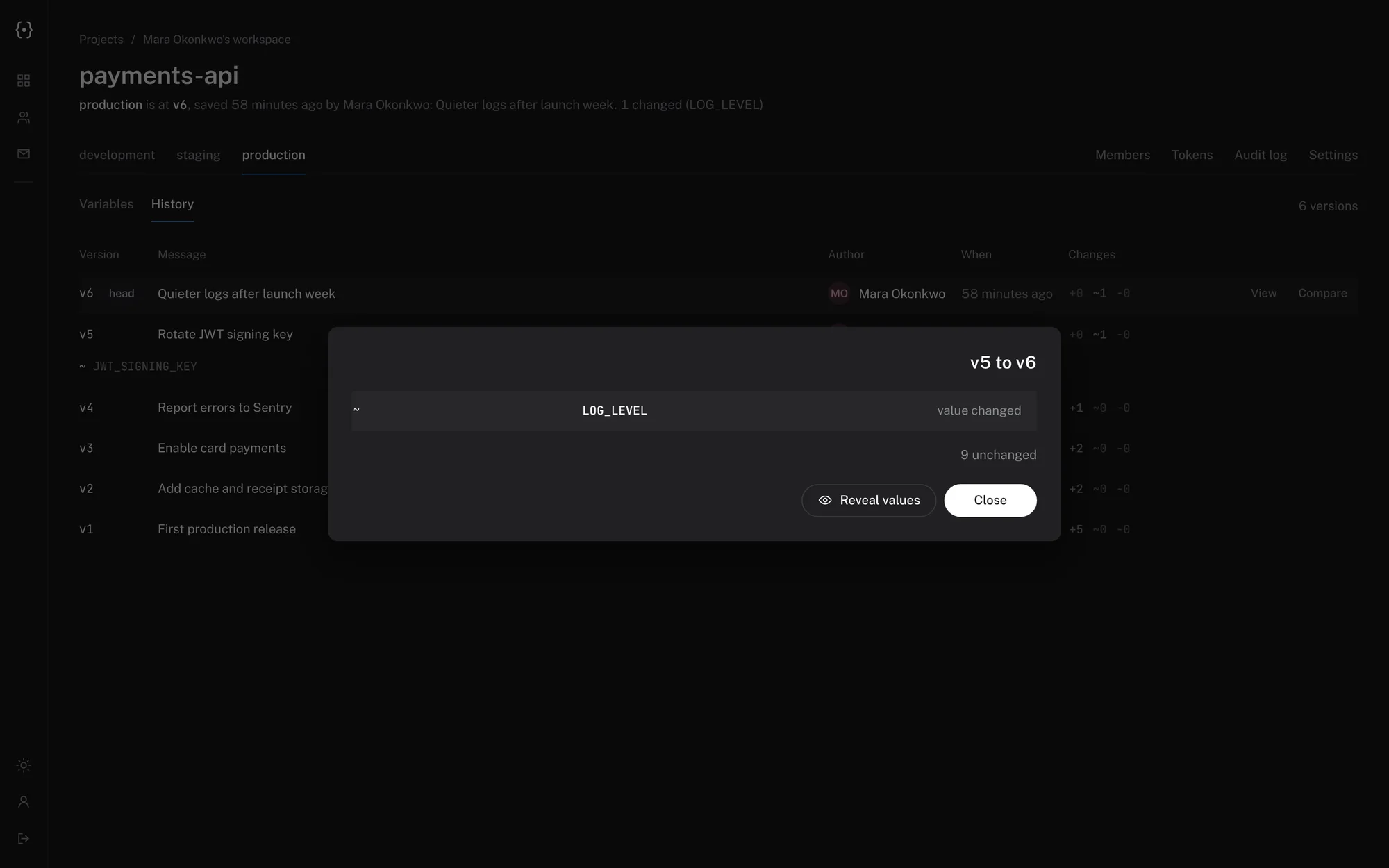
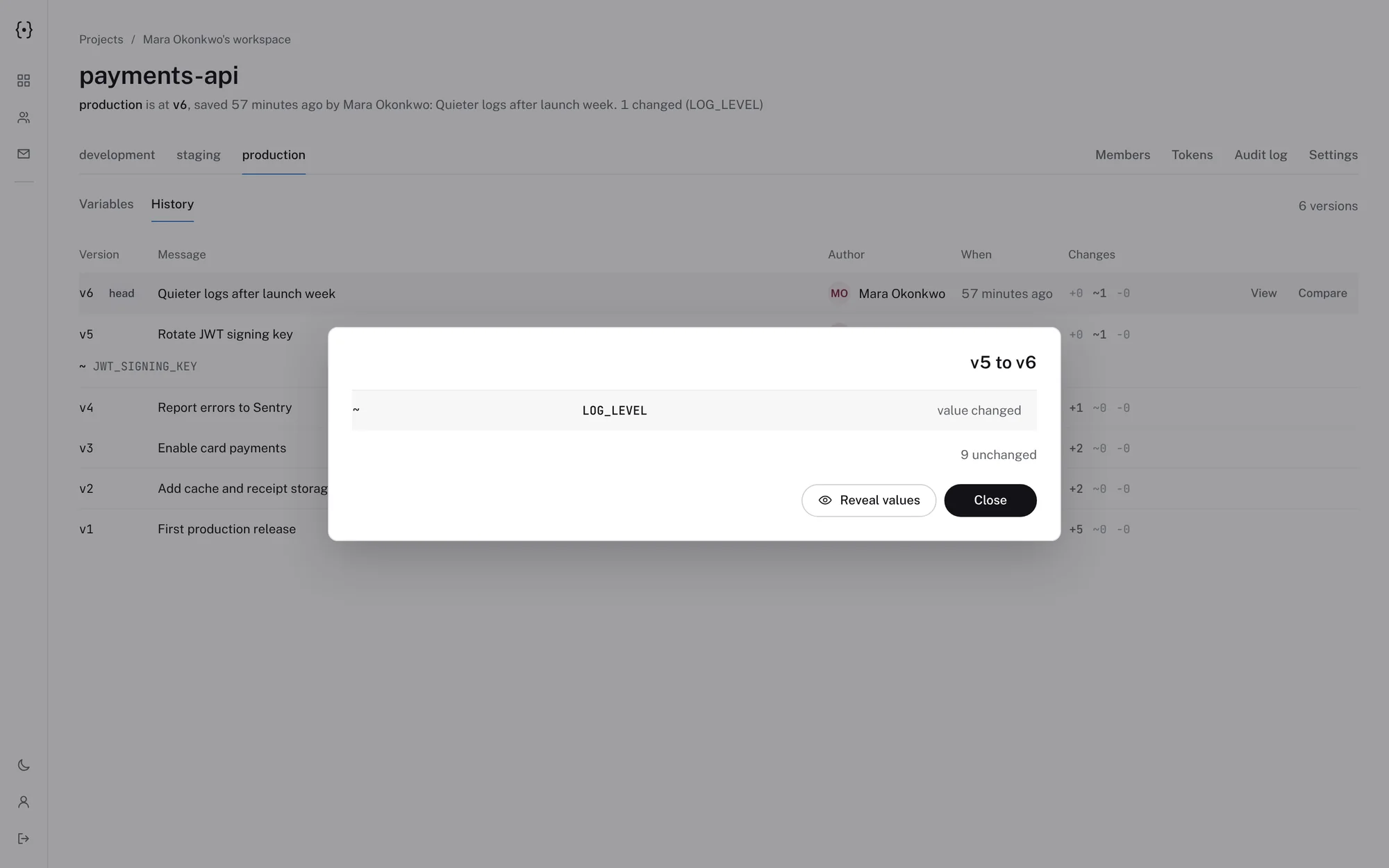
Each environment keeps its own numbered history. See which keys changed between any two versions; values stay hidden unless you ask for them.
Rolling back saves an old version as a new one, so nothing is ever rewritten.
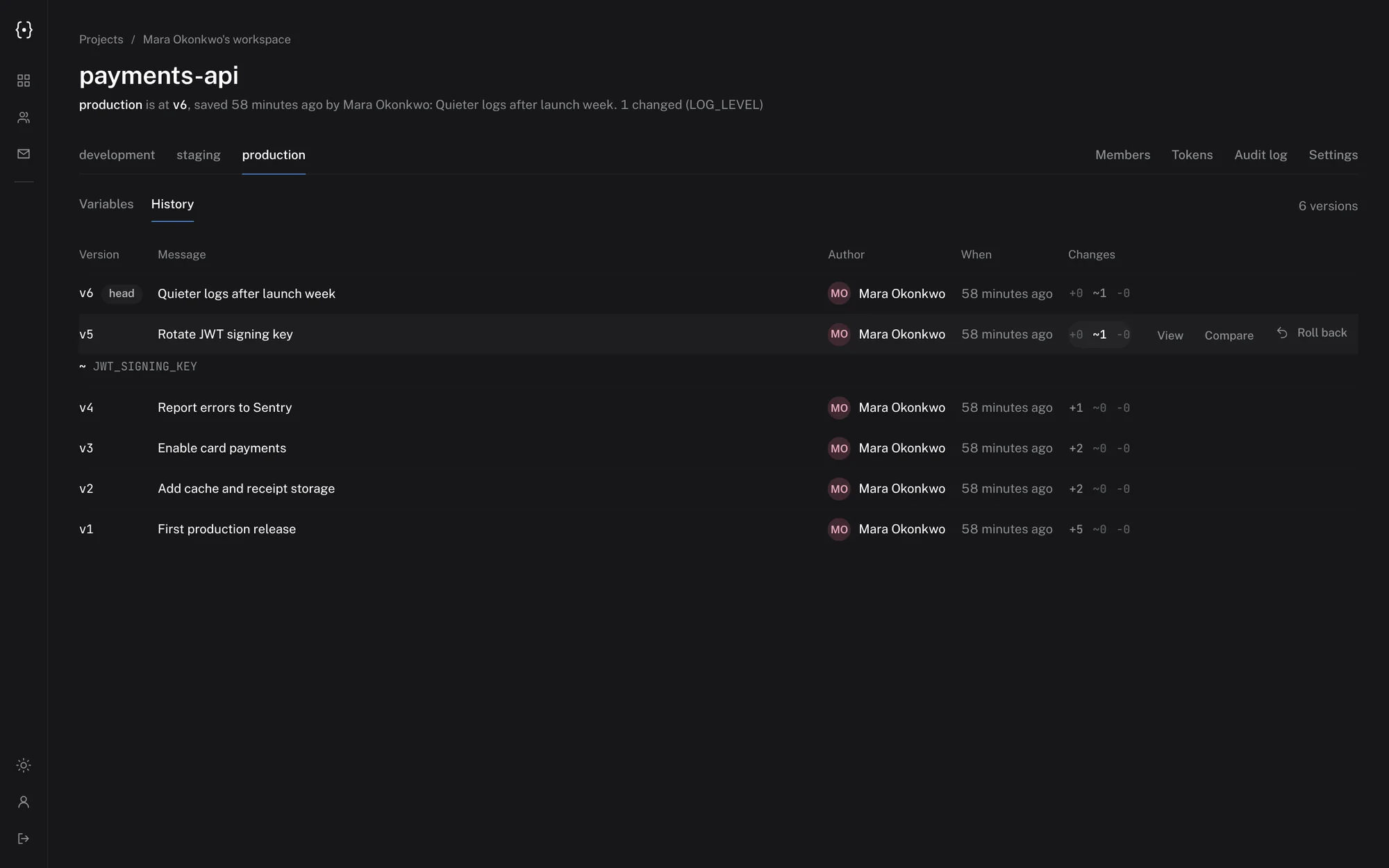
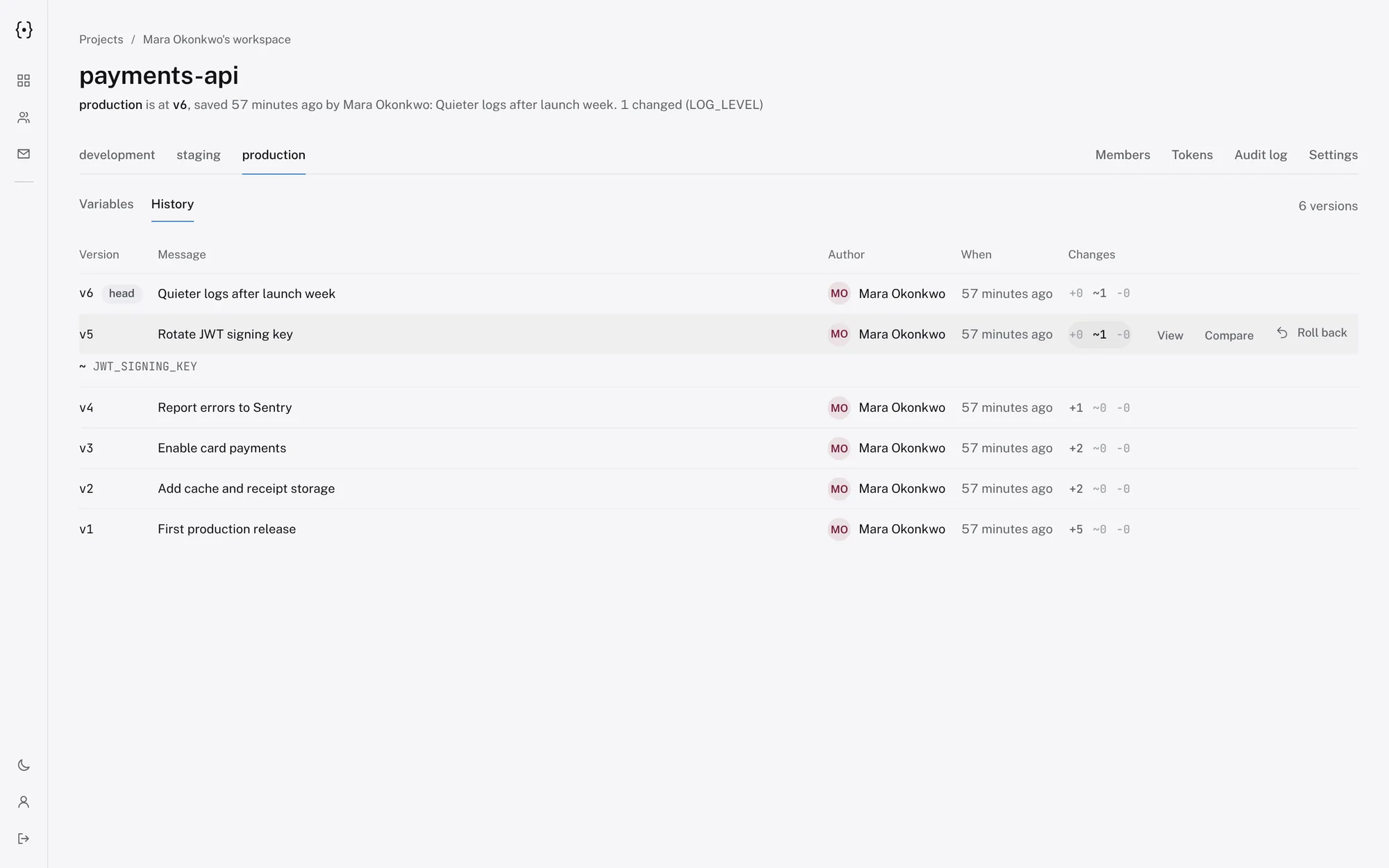
$svar diff 5 6~ LOG_LEVEL9 unchanged$svar rollback 5Rolled production back to v5 as new version v7.Access by environment, not all or nothing.
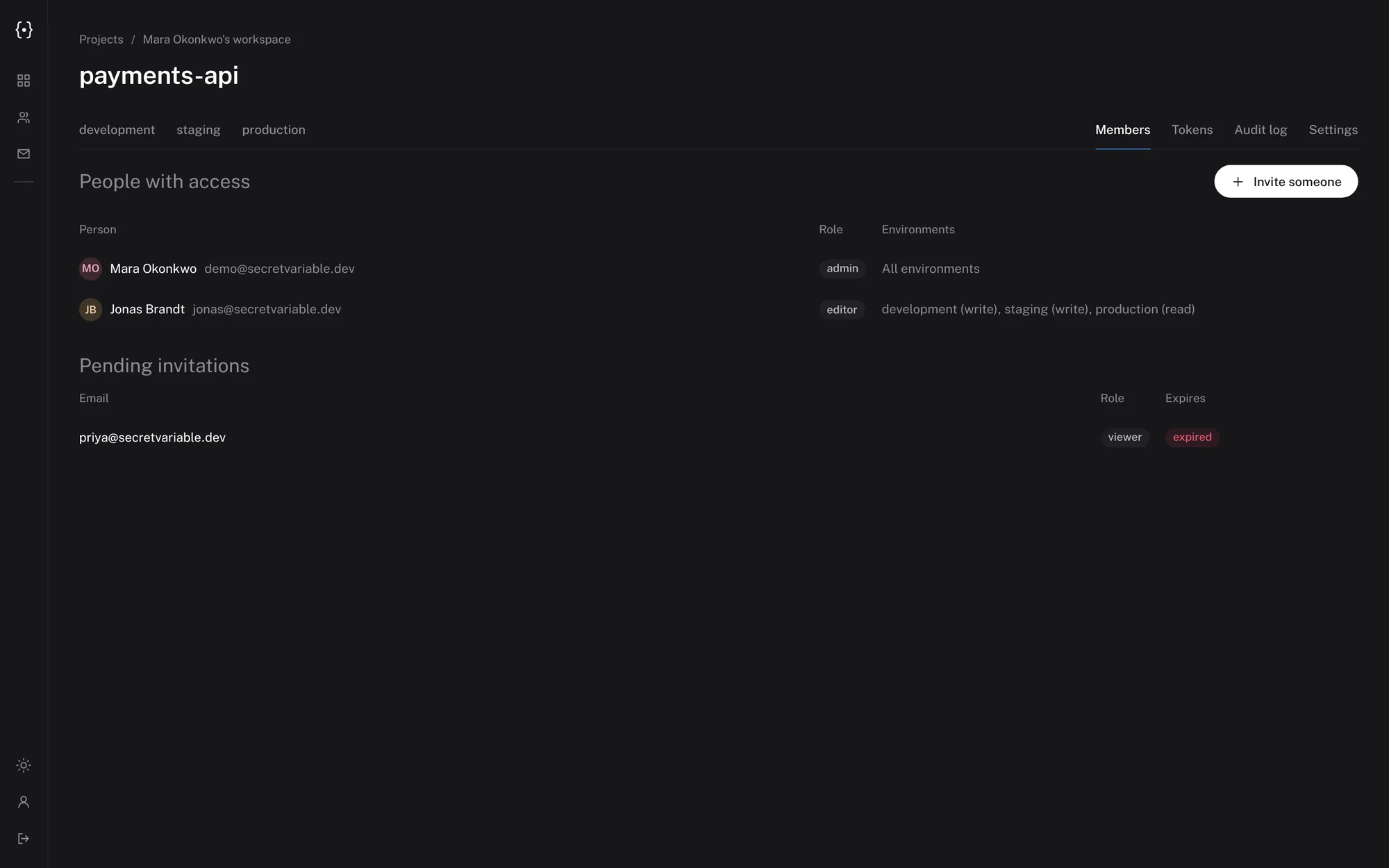
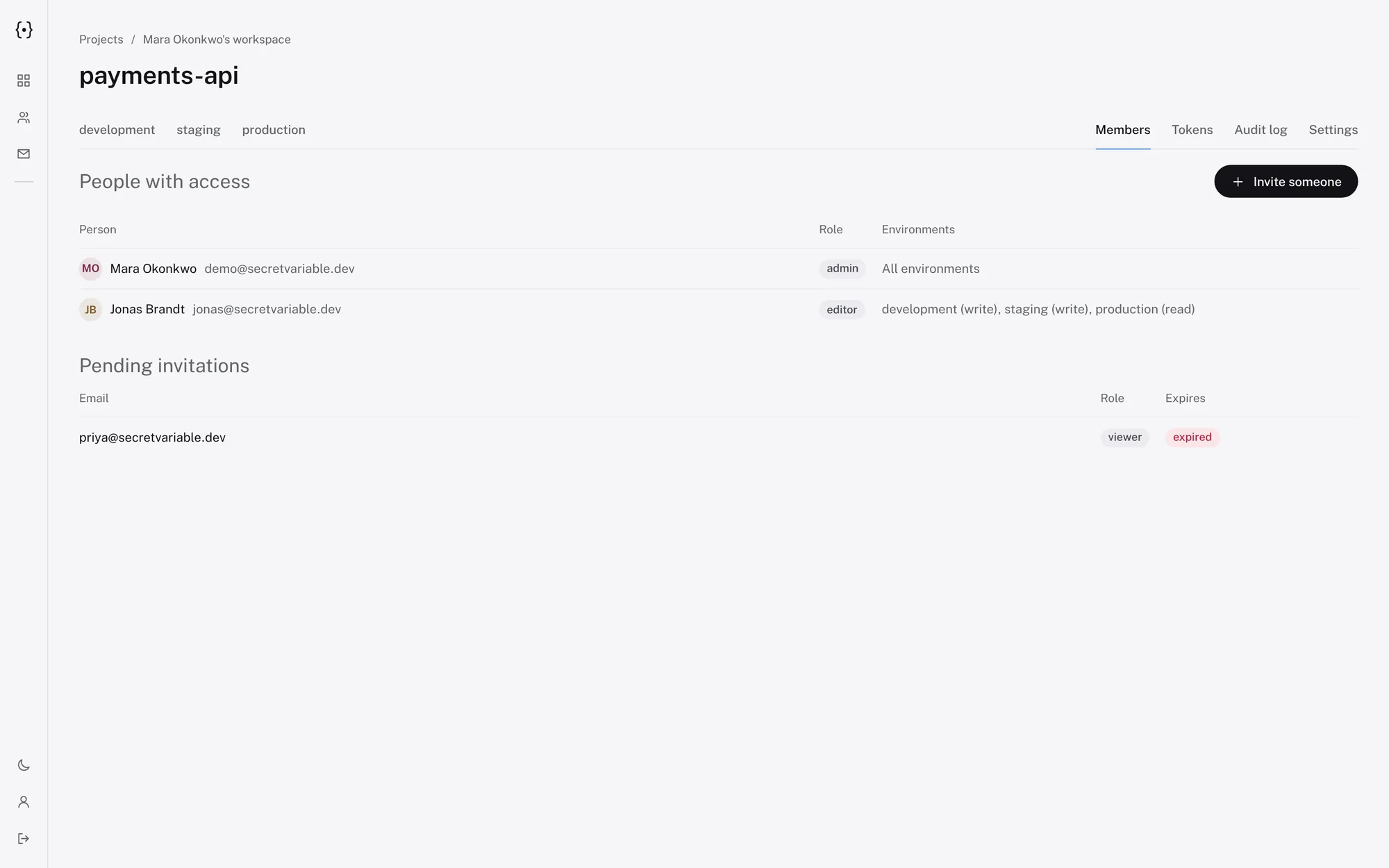
Roles are admin, editor or viewer. On top of that, give a person only the environments they need: developers get development and staging, the contractor reads staging, and production stays with admins.
An environment someone cannot see simply does not exist for them.
$svar membersNAME EMAIL ROLE ENVIRONMENTSMara Okonkwo mara@example.com admin allJonas Brandt jonas@example.com editor development:write,staging:writeDana Weiss dana@example.com viewer staging:readInvite people without a mail server.
Invitations are single-use links tied to one email address. Pick an expiry from one to thirty days, and extend or reopen an expired one later.
Made for CI and scripts.
Create a service token limited to one project and environment, read-only, with an expiry. Give it to your CI system as a secret and pull the file during the build.
Tokens act as their creator, so removing someone also switches off what they created.
$svar token create --name ci --env production --access read --expires 90# in your CI job$SECRETVARIABLE_URL=https://secrets.example.com \ SECRETVARIABLE_TOKEN=$SV_TOKEN svar pull --forceKnow who read and changed what.
The audit log records every read of values, change, rollback, invitation, token and sign-in event with who and when. Secret values are never written to it.
| When | Who | What | Where |
|---|---|---|---|
| 2 min ago | Mara Okonkwo | Saved a new version | payments-api / production |
| 1 hour ago | Jonas Brandt | Read variable values | payments-api / staging |
| yesterday | Dana Weiss | Signed in with two-step verification | - |
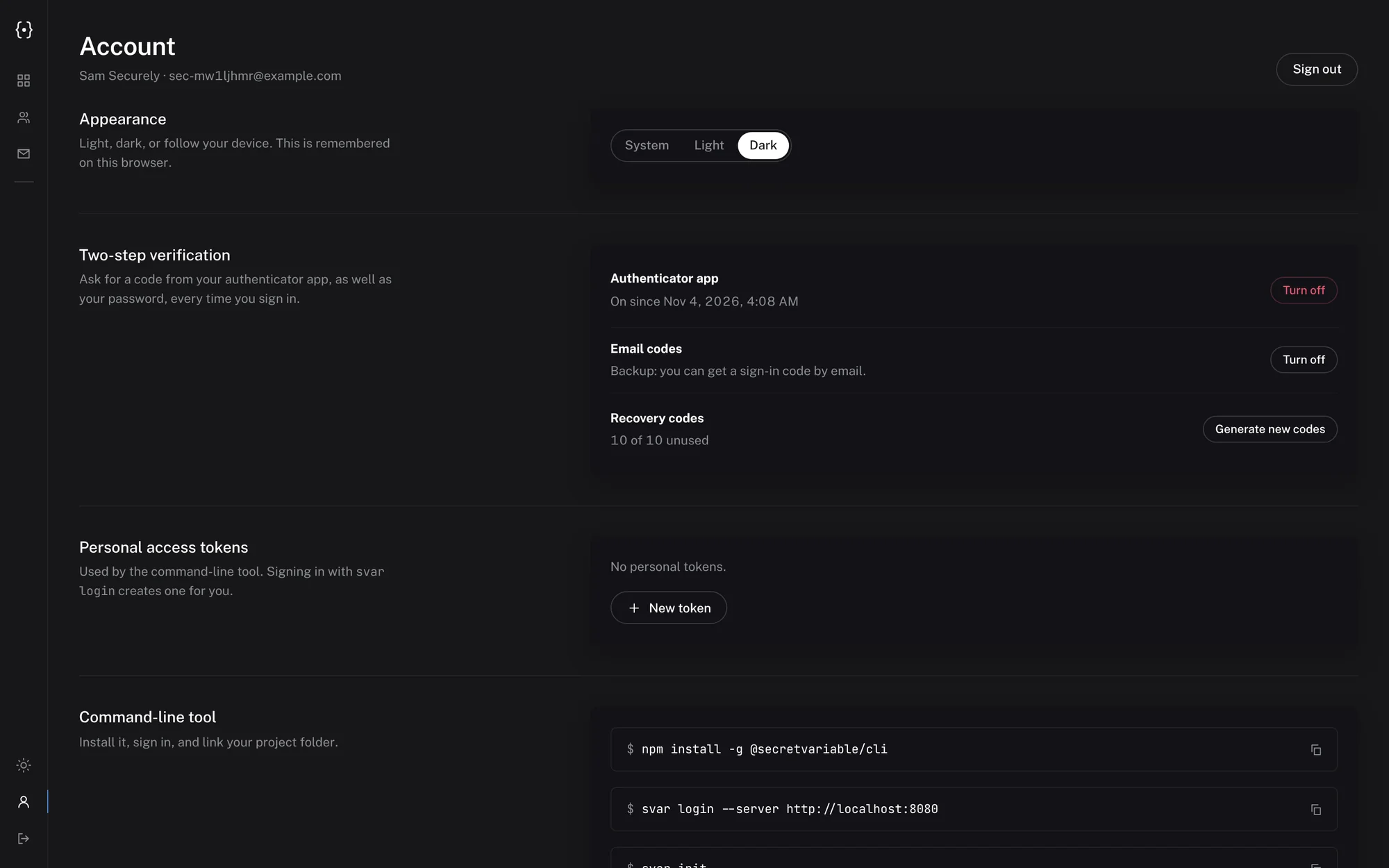
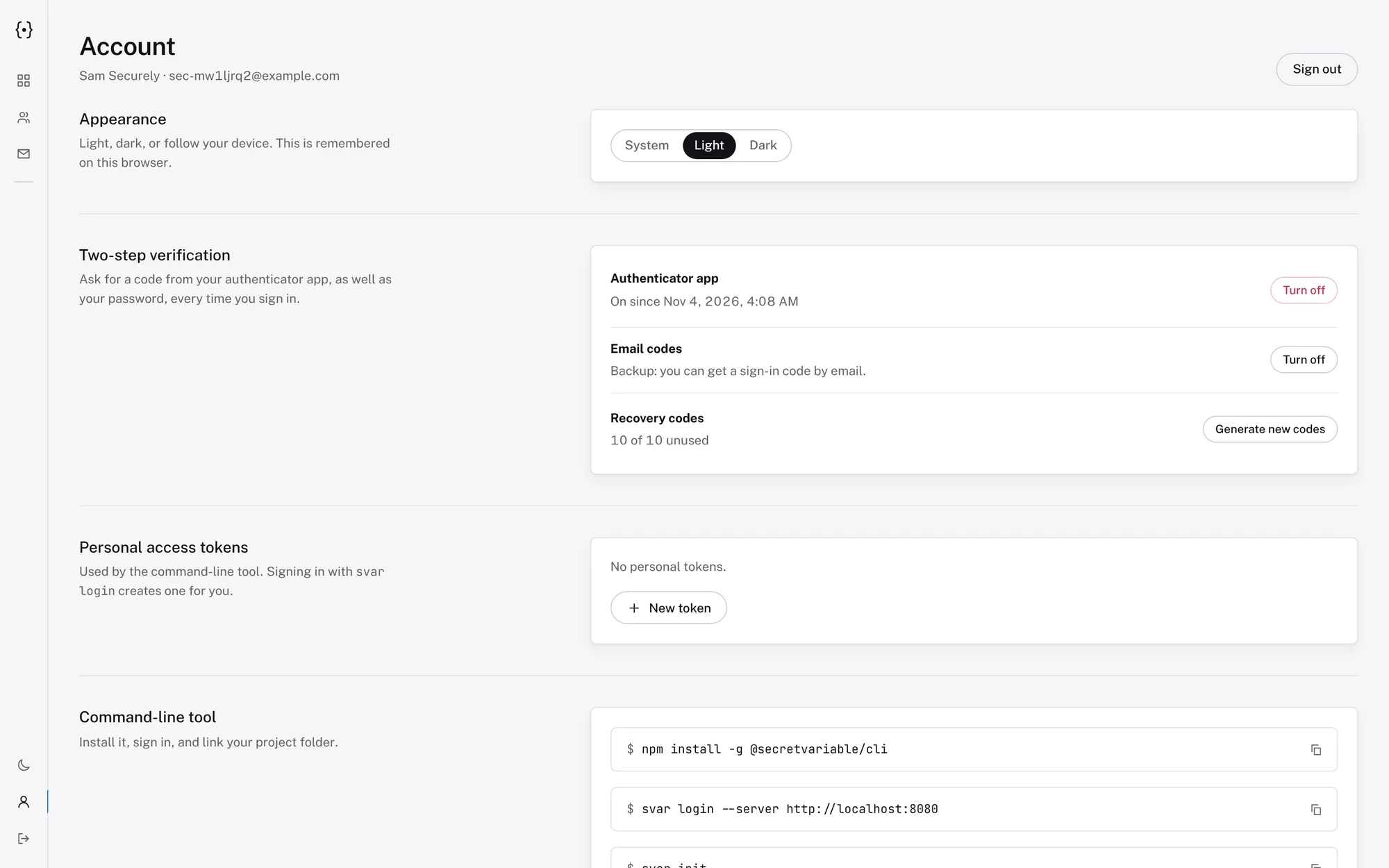
Two-step verification built in.
Sign in with an authenticator app. If the phone is gone, use a one-time code sent by email (when you configure SMTP) or one of ten single-use recovery codes.
Diffs you can read before you save.
Editing in the browser shows exactly what will change, with an optional message, before a new version is created. Compare any two versions later with values hidden until you reveal them.
Honest about security.
Know exactly what you are trusting before you run it.
What it protects
- Values encrypted at rest with AES-256-GCM (envelope encryption: a master key you provide wraps a key per project)
- Passwords hashed with Argon2id; tokens stored only as hashes
- Values hidden in the interface until revealed; reads are audited
- Access limited per environment, with two-step verification available
- A stolen database or backup does not reveal values without the master key
What it does not
- It is not zero-knowledge: whoever controls the server and the master key can read secrets
- It is early (0.x) software and has not been independently audited
- No SSO or compliance certifications
- Personal and service tokens, which scripts use, do not need a second step
- A .env pulled to disk is plain text; prefer svar run where you can
Run it on your own server.
One container for the app and one for PostgreSQL. You need Docker, a domain and HTTPS in front of it.
$git clone https://github.com/OxygenOP/SecretVariable.git$cd SecretVariable$export SV_MASTER_KEY=$(openssl rand -hex 32) # back this up$docker compose up -dThen open http://localhost:8080 and create your account. Keep the master key somewhere safe and separate from your database backups: without it the data cannot be decrypted.
Questions, answered plainly.
Is SecretVariable really free?
Yes. It is open source under the MIT licence and you run it yourself. There is no paid tier and no hosted version.
Where does my data live?
On your own server, in your own PostgreSQL database. Values are encrypted at rest with AES-256-GCM using a master key that you provide and keep.
Is it zero-knowledge?
No. Encryption is server-side, which is what makes viewing, sharing, diffing and rollback possible. Whoever controls the server and its master key can read the secrets, so protect the server, its backups and the master key accordingly.
How is it different from a password manager?
A vault stores individual secrets. SecretVariable stores whole environment files per project and environment, keeps a numbered version history with key-level diffs and rollback, gives each person access to specific environments, and has a CLI that writes a .env or injects variables into a command.
Can I use it in CI?
Yes. Create a read-only service token scoped to one project and environment, set SECRETVARIABLE_URL and SECRETVARIABLE_TOKEN in your CI secrets, and run svar pull or svar run.
Does it send email?
Only if you configure an SMTP server. Then it sends one-time sign-in codes used as a backup for two-step verification, and admins can have the server email project invitations. Without SMTP, invitations are links you share yourself.
What happens if I lose the master key?
The stored data cannot be decrypted, and nobody can recover it. Back the master key up separately from your database backups.
Is the CLI on npm?
Not yet. Today you build it from source (it takes a minute); npm install -g @secretvariable/cli is planned. The command is svar, and secretvariable works too.